Welcome to SubmitAI! This guide walks you through the entire flow of uploading photos and video clips, generating constrained AI metadata, editorial trimming, and batch CSV export for Adobe Stock and Shutterstock.
1. The Dashboard
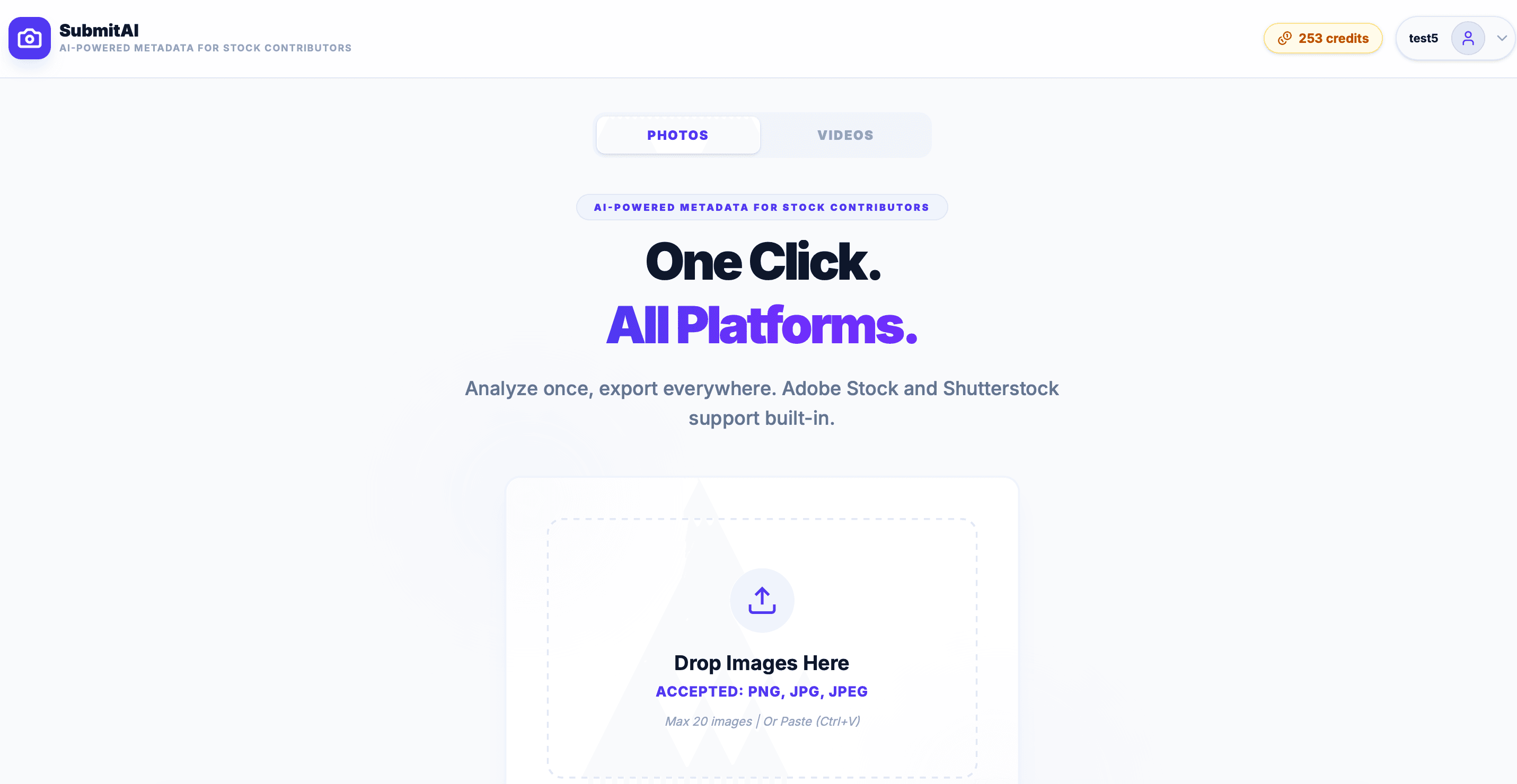
Once you sign in, you enter the studio dashboard. This is your command center for dropping files, initiating batch analysis, and monitoring remaining credit balances.
2. Uploading Assets
SubmitAI supports JPG, PNG, and MP4 files. Drag and drop your shoot directly into the upload canvas. For footage, SubmitAI extracts temporal keyframes to build a unified narrative.
Photo Assets
Cost: 1 Credit per photo. Direct computer vision analysis of pixel detail and visual composition.
Video Footage
Cost: 2 Credits per video. Samples keyframes across clip timeline for comprehensive motion metadata.
3. AI Generation
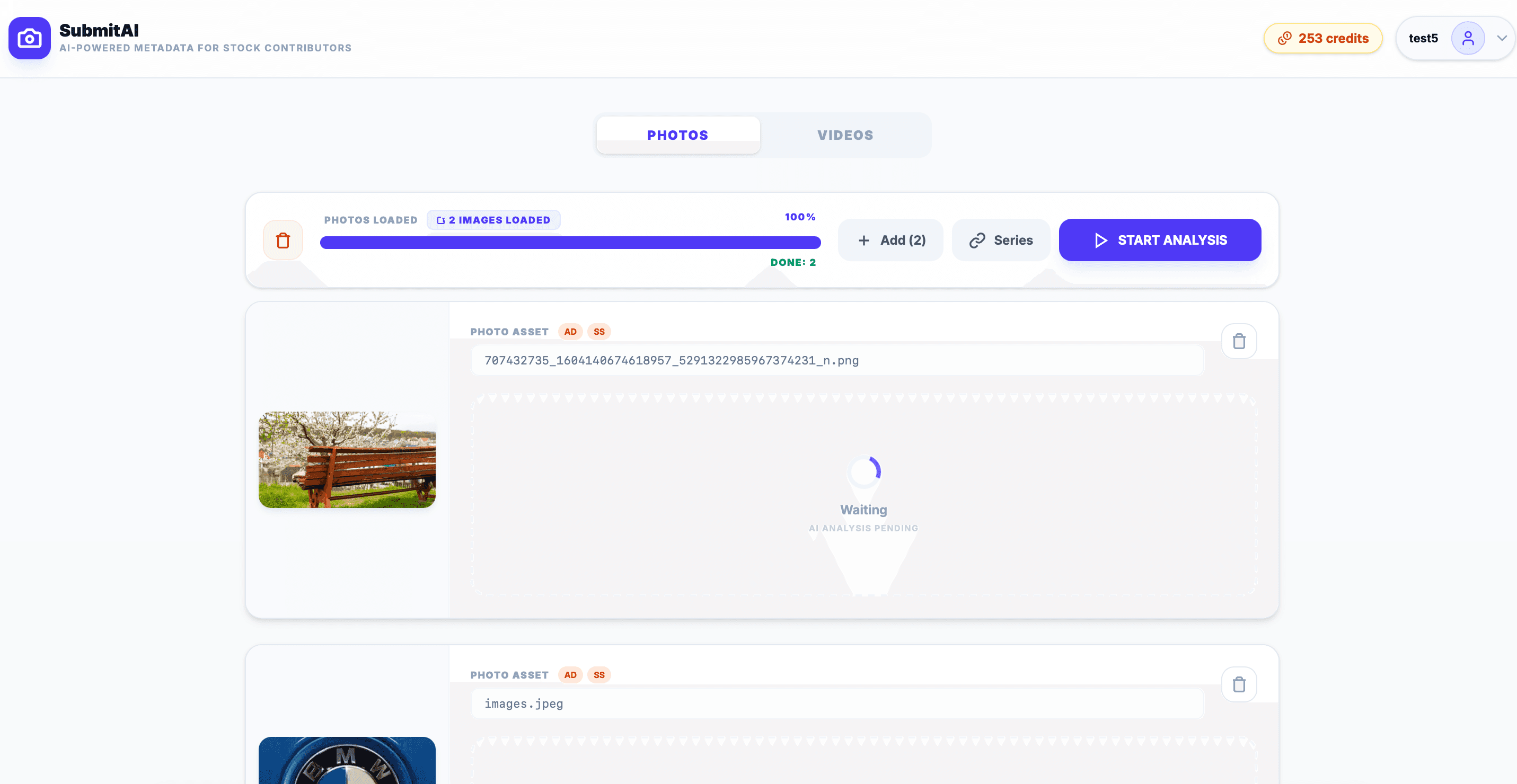
Click START ANALYSIS. Our neural engine examines visual hierarchy, subject focus, lighting, and commercial context, writing agency-compliant titles and ranked keywords in ~3 seconds per asset.
4. Human Review & Trimming
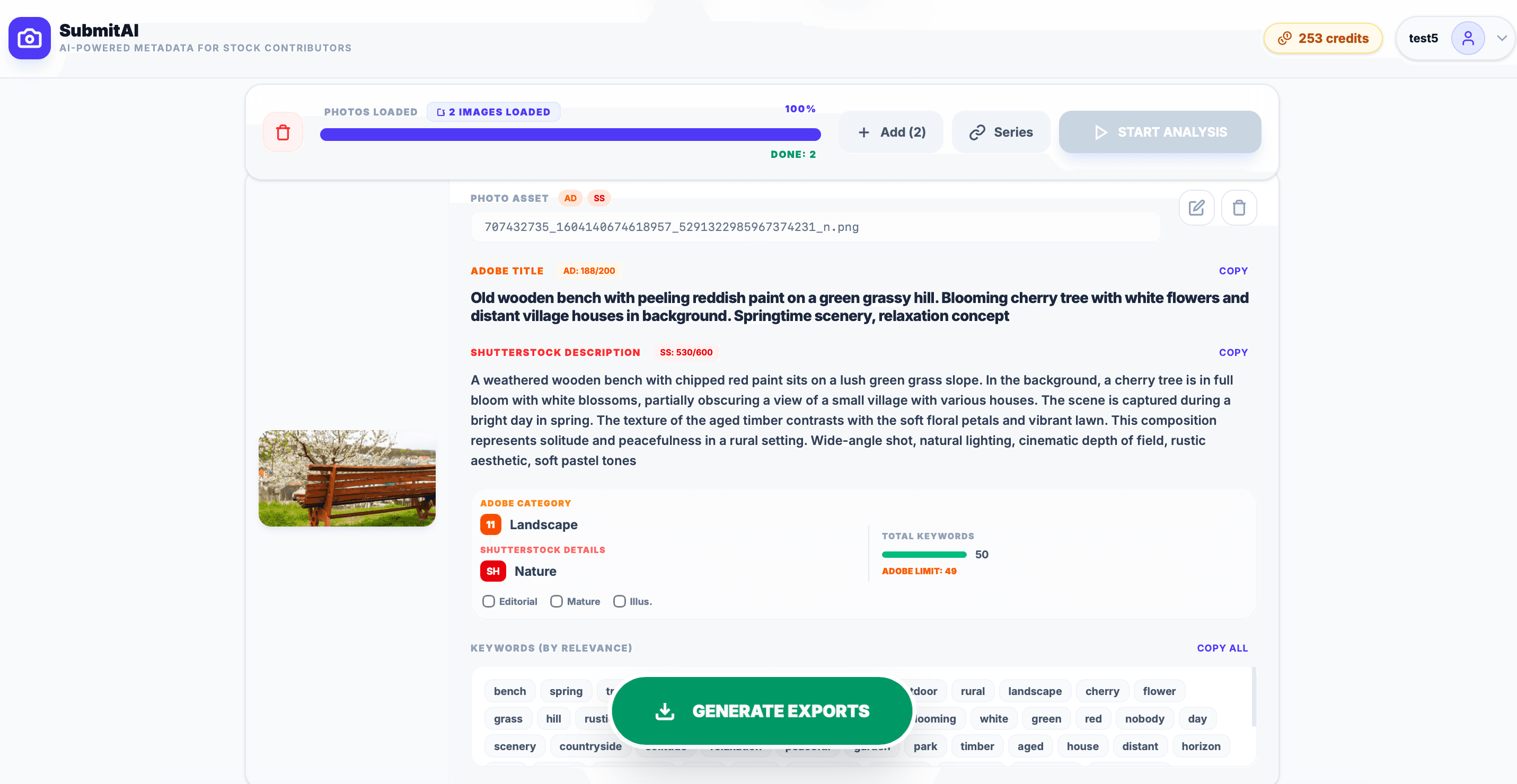
Every generated field is completely editable. Click any keyword chip to remove it, adjust title phrasing, and switch between Adobe Stock (strict 200-char limit) and Shutterstock tabs.
5. Exporting & Portals
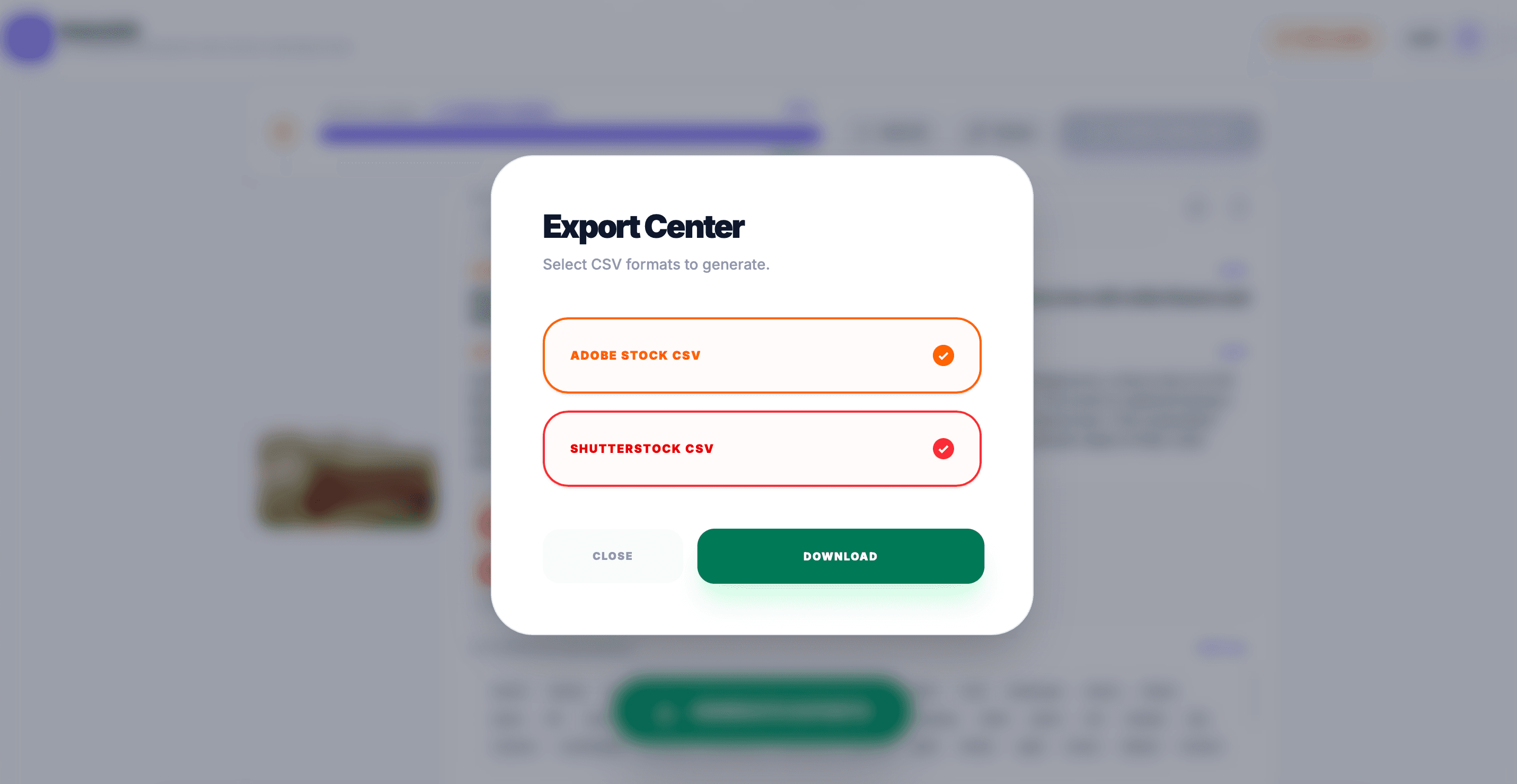
Copy metadata directly to your clipboard or download unified CSV spreadsheets formatted specifically for bulk web and FTP contributor portals.
6. Contributor Pro Tips
- Keyword Ranking: Search algorithms weigh the first 10 terms highest. SubmitAI ranks strongest visual anchors first.
- Trademark Safety: The engine automatically strips commercial brand names to protect against automatic contributor rejections.
- Batch Consistency: Maintain identical catalog series naming across similar angles for unified agency indexing.
7. Plans & Credit Allotment
SubmitAI accommodates individual contributors and busy commercial studios alike with both monthly credits and one-time top-ups.
Free Starter Tier
- 10 free credits replenished every month.
- Single-asset manual analysis and editing.
- Instant clipboard copy for all fields.
Pro Subscriptions & Packs
- Batch Upload: 20, 50, or 100 assets per run.
- Bulk CSV: Ready for Adobe Stock and Shutterstock.
- Credits Valid 12 Months: No unspent credit loss.